Course Studies
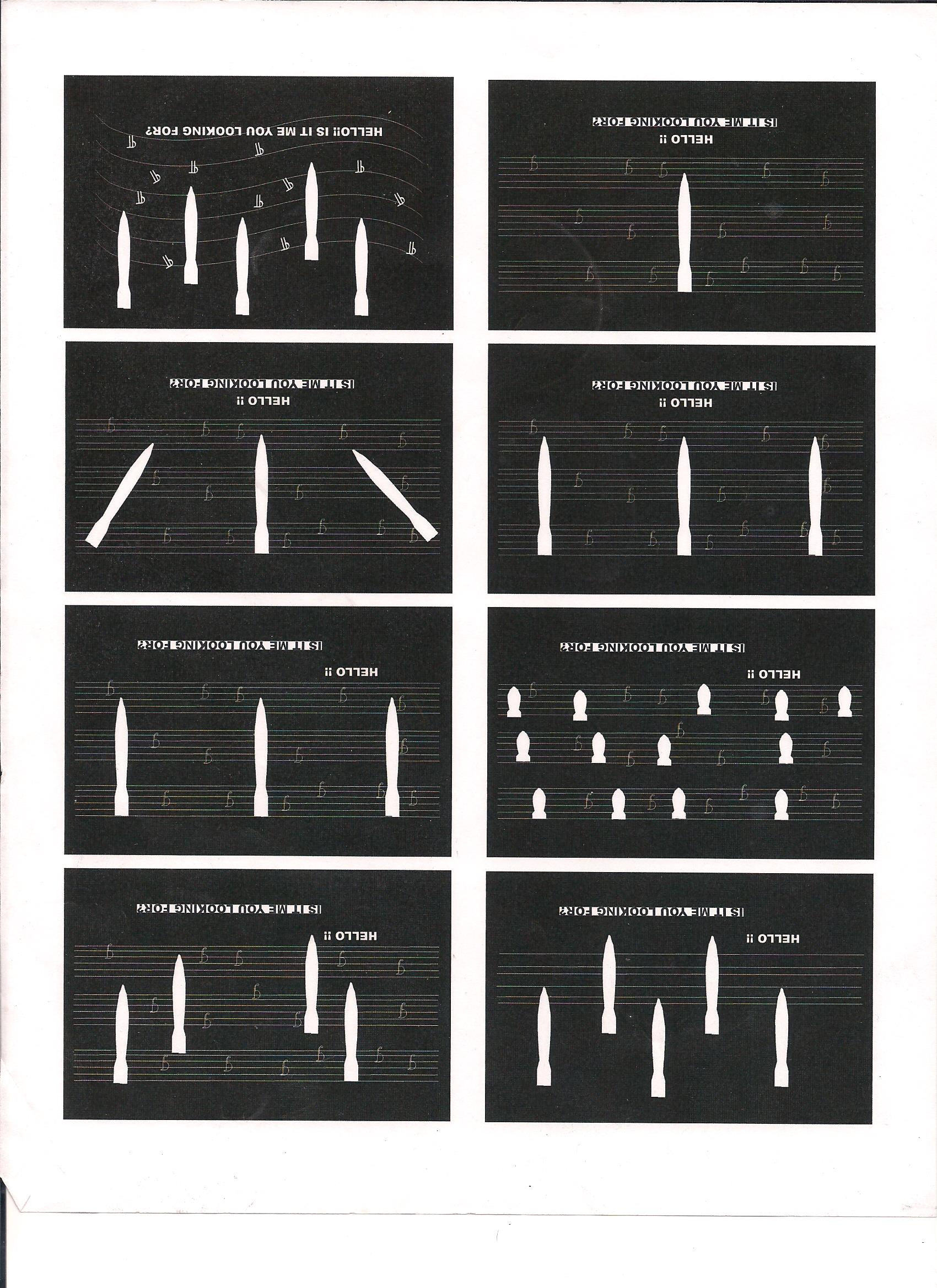
ART 225
Introduction to Graphic Design
Graphic design, its history, imaging and the elements and principles of digital design in visual communication. An introduction to computer graphic design production tools and processes in visual illustration.
- Effectively apply techniques and skills of good craftsmanship to completed graphic design projects and course assignments.
- Effectively generate, consider and evaluate problems in graphic design.
- Produce quality work through the application of a variety of graphic design techniques and media.
- Demonstrate knowledge of basic compositional guidelines for graphic design and apply them effectively to completed course projects and assignments.
- Give and receive constructive critiques of graphic design projects using language appropriate to the domain and course themes.
- Demonstrate research skills in the history of design for presentation and using proper documentation of research.

CS 141
Computer Science I Java
Introduction to Java programming. Topics include basic Java syntax, data types, control structures, methods, object representation using classes, graphics, Applets and arrays, all within a framework of general object oriented programming principles.
- Use the basic constructs of the Java programming language to write a correct, efficient and maintainable application program.
- Analyze real-world problems in quantitative terms and formulate programming solutions.
- Describe object-oriented concepts and structures in Java.
- Design and implement algorithms typically used in computer programming.
- Work cooperatively in small groups to design, implement and test a program.
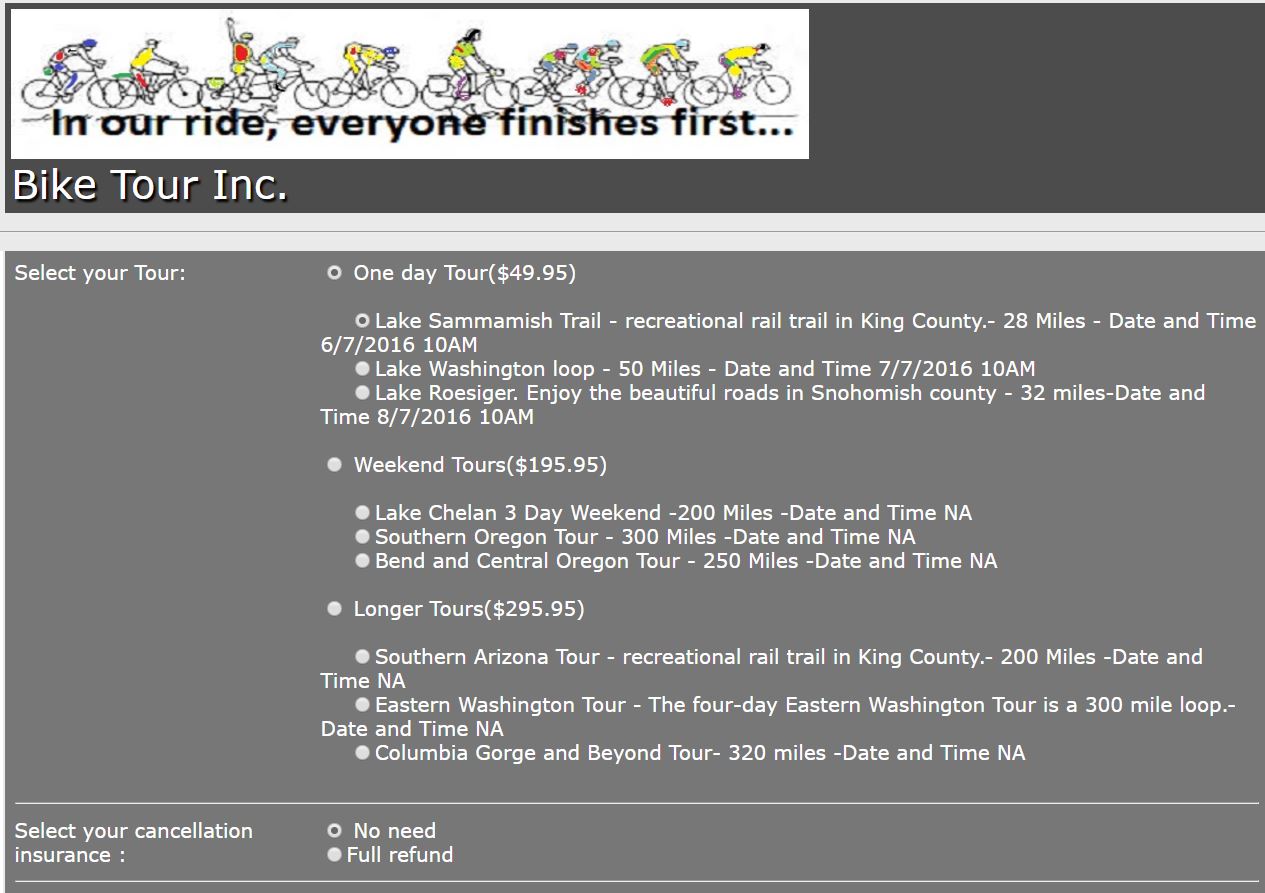
CIS 253
Application Development Tools
A practical approach to real world systems analysis and design. Includes the systems development life cycle, structured methodologies and project planning. A case study project is analyzed, requirements are written and a systems design specification document is prepared.
- Explain the fundamental principles of application design
- Use Database to build a student designed application.
- Describe how applications work with enterprise systems.
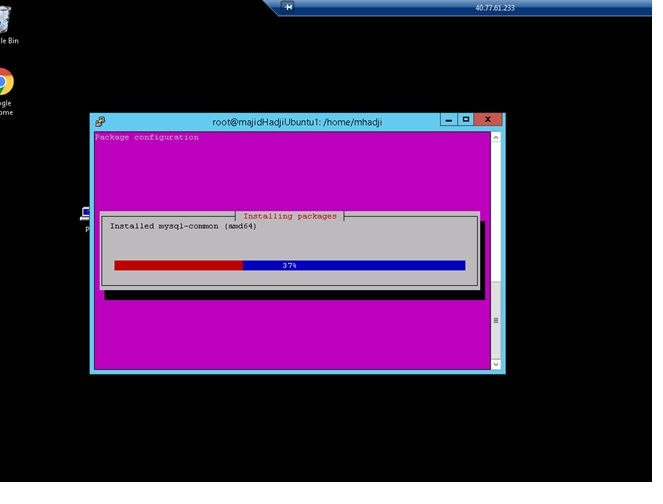
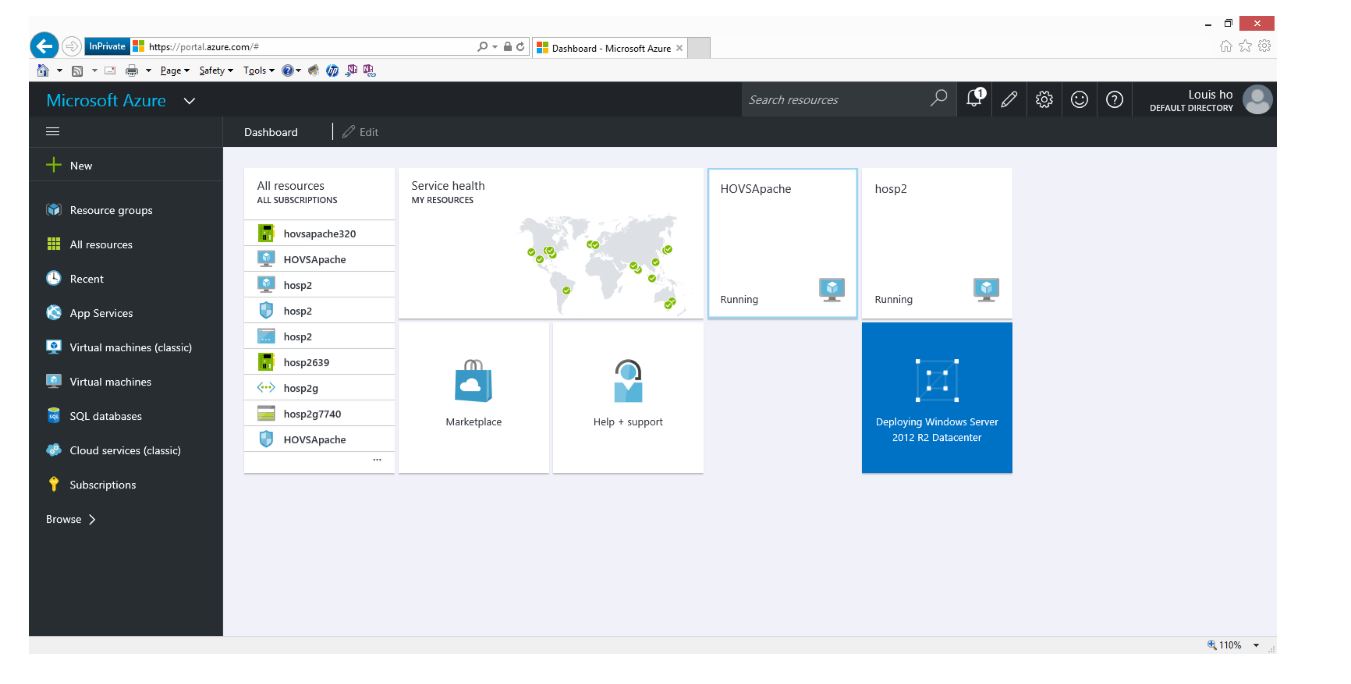
- Install and confiugur servers and applications.
CIS 241
Web Development I
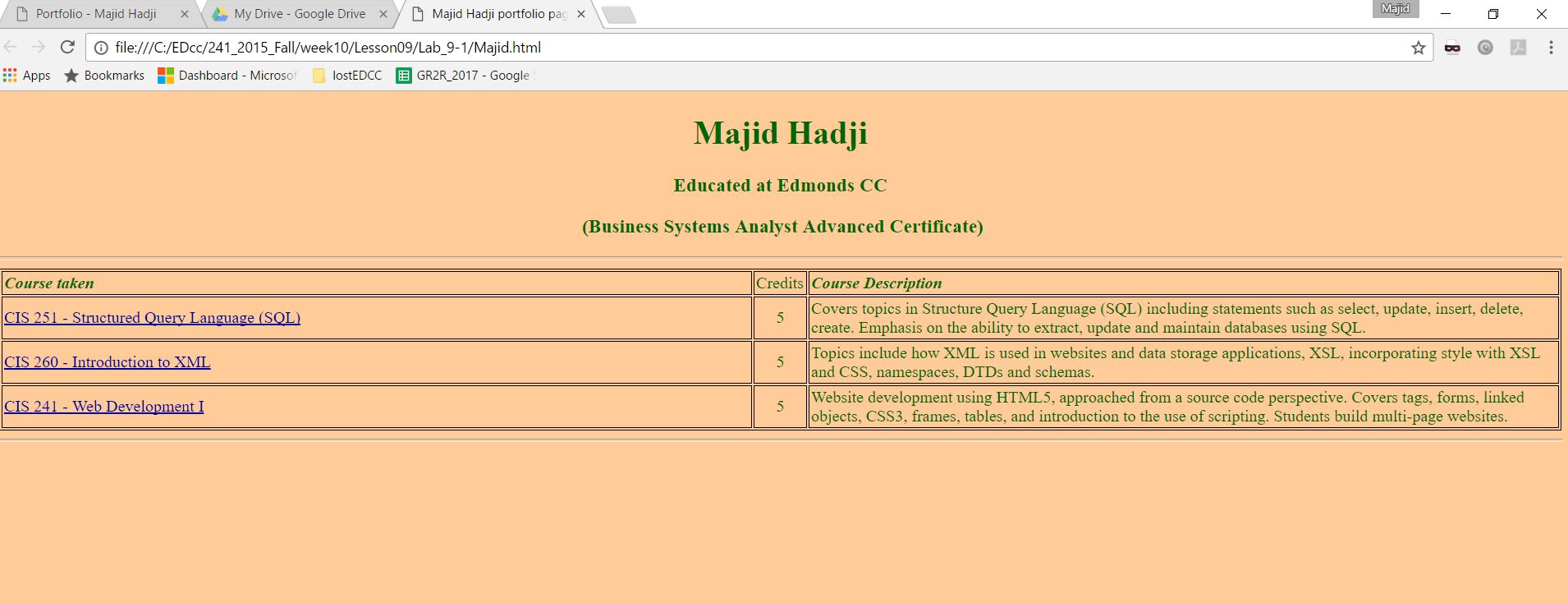
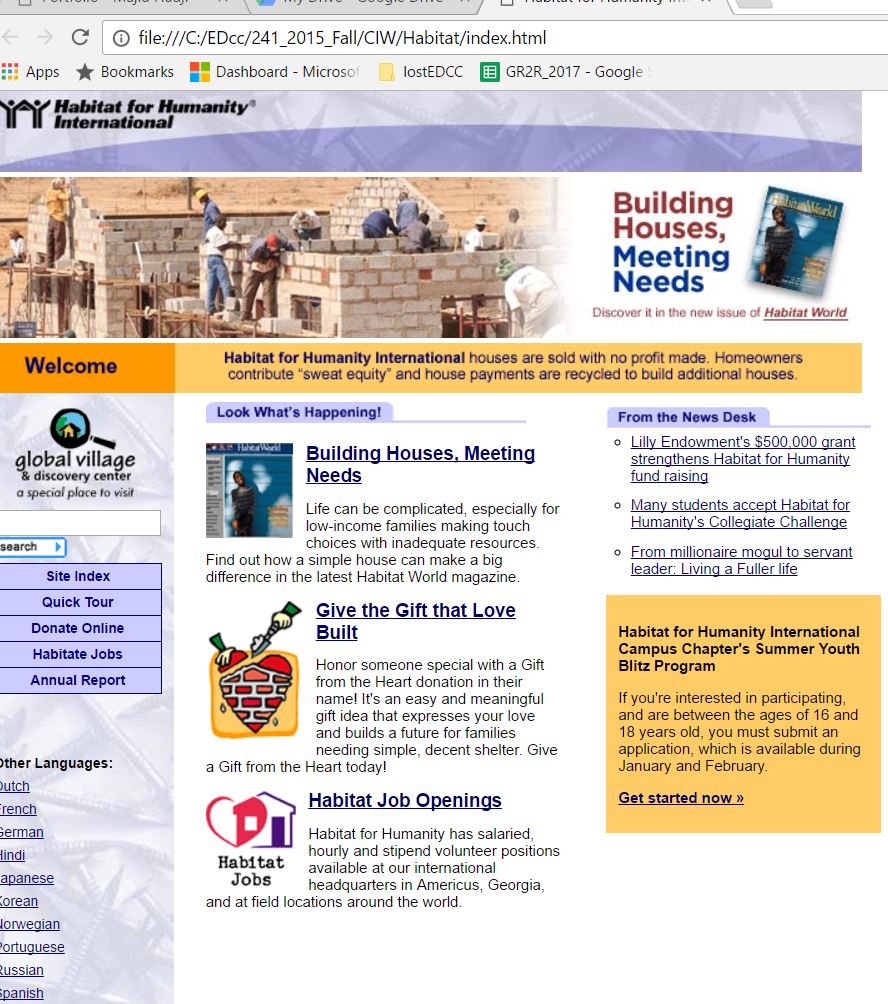
Website development using HTML5, approached from a source code perspective. Covers tags, forms, linked objects, CSS3, frames, tables, and introduction to the use of scripting. Students build multi-page websites.
- Perform content and technical analysis on Web applications and websites.
- Use XHTML to develop, debug, maintain and document Web applications and websites.
- Implement standardized application and site design.
- Compare and contrast different browsers’ effects on XHTML documents.
- Use the basic principles of Web documents.
- Control the appearance of a Web page through the use of XHTML tables.
- Create a website with frames.
- Use XHTML forms.
- Create XHTML style through inline, embedded and Cascading Style Sheets.
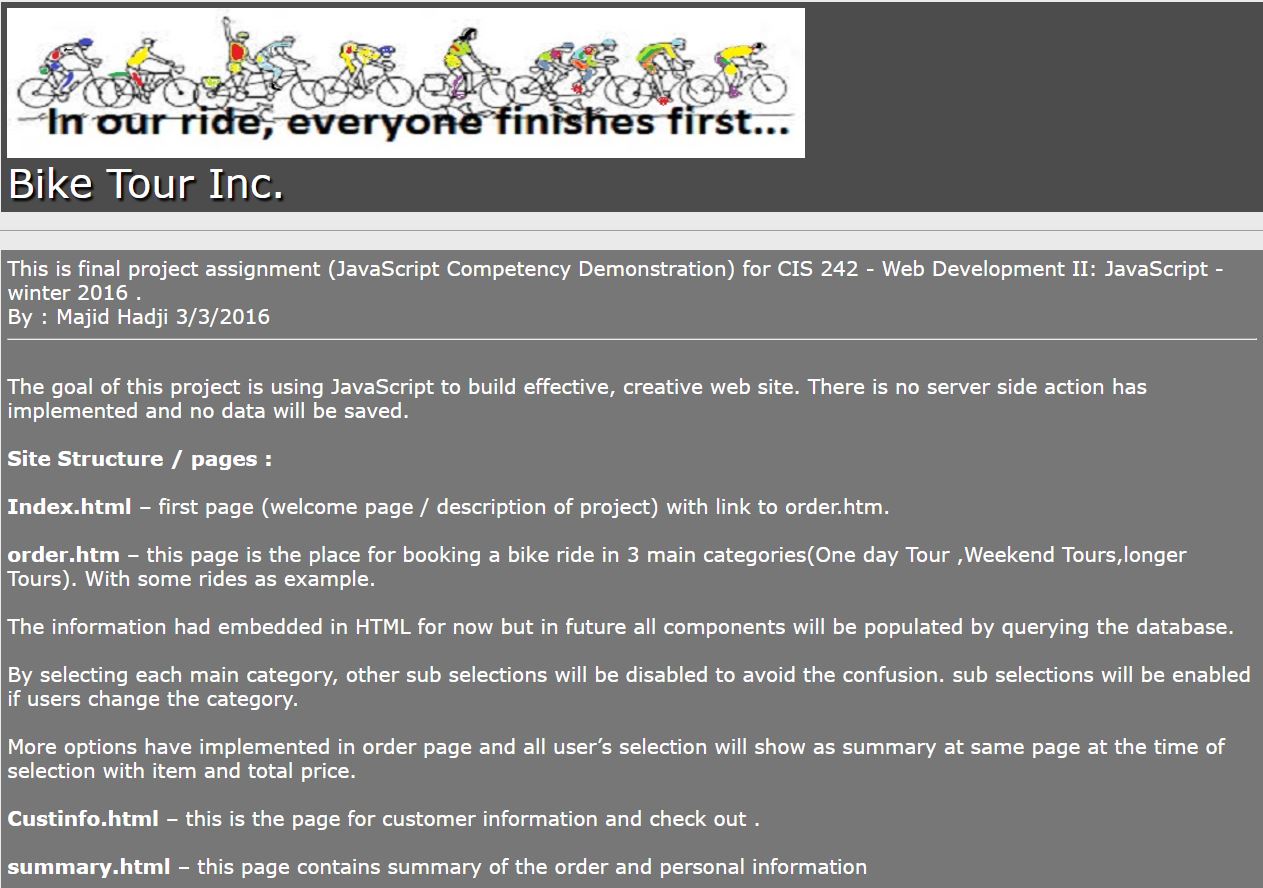
CIS 242
Web Development II: JavaScript and jQuery
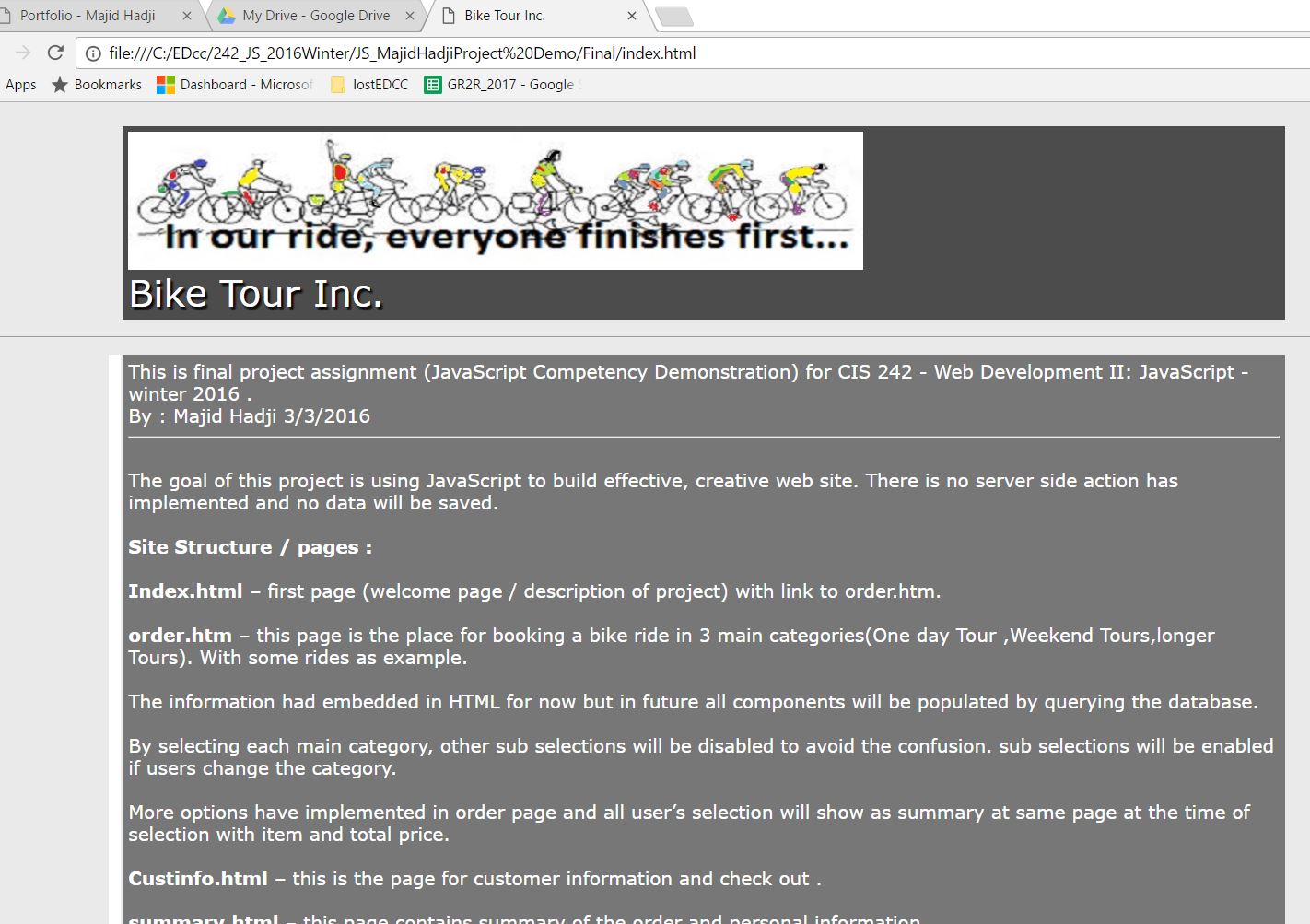
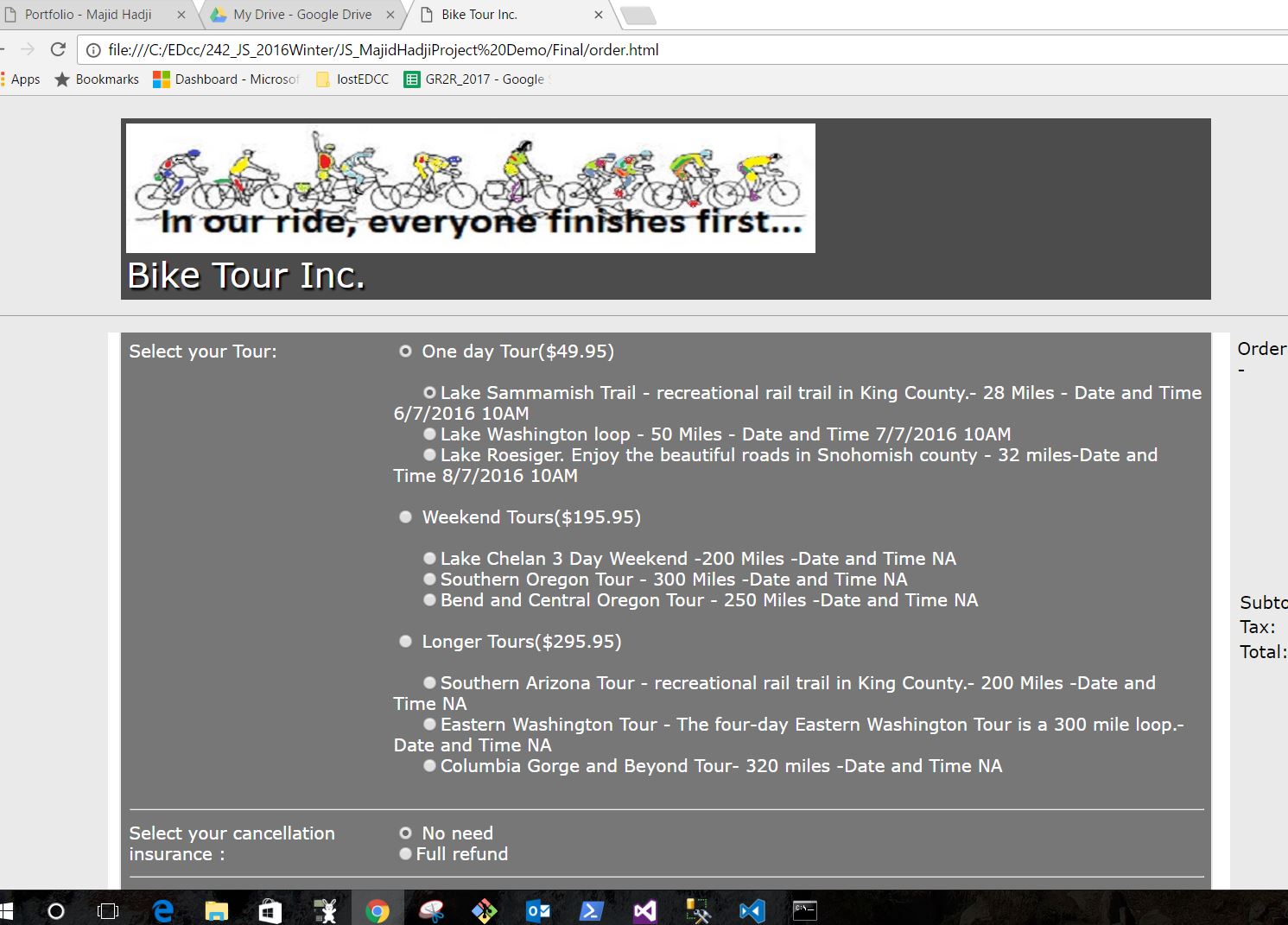
Students will explore the topics of embedding, inline and external scripts, functions, form validation, loops, conditional statements, strings, numbers, DHTML, and an introduction to JavaScript Frameworks. Students build multi-page Web sites using these technologies.
- Use client-side scripting with well-formed Web pages.
- Recognize client-side variables and data types and the operations that can be performed on them.
- Write client-side functions, event handlers and control structures.
- Use the browser object-model to create scripts that control browser functionality.
- Verify form data through scripting validation.
- Create and implement client-side Web applications.
- Use object-oriented programming within client-side scripting.
- Save state information through the use of hidden form fields, query-strings and cookies.
- Add interactivity to Web pages through the Document Object Model and Dynamic HTML.
- List the concepts of server-side programming.
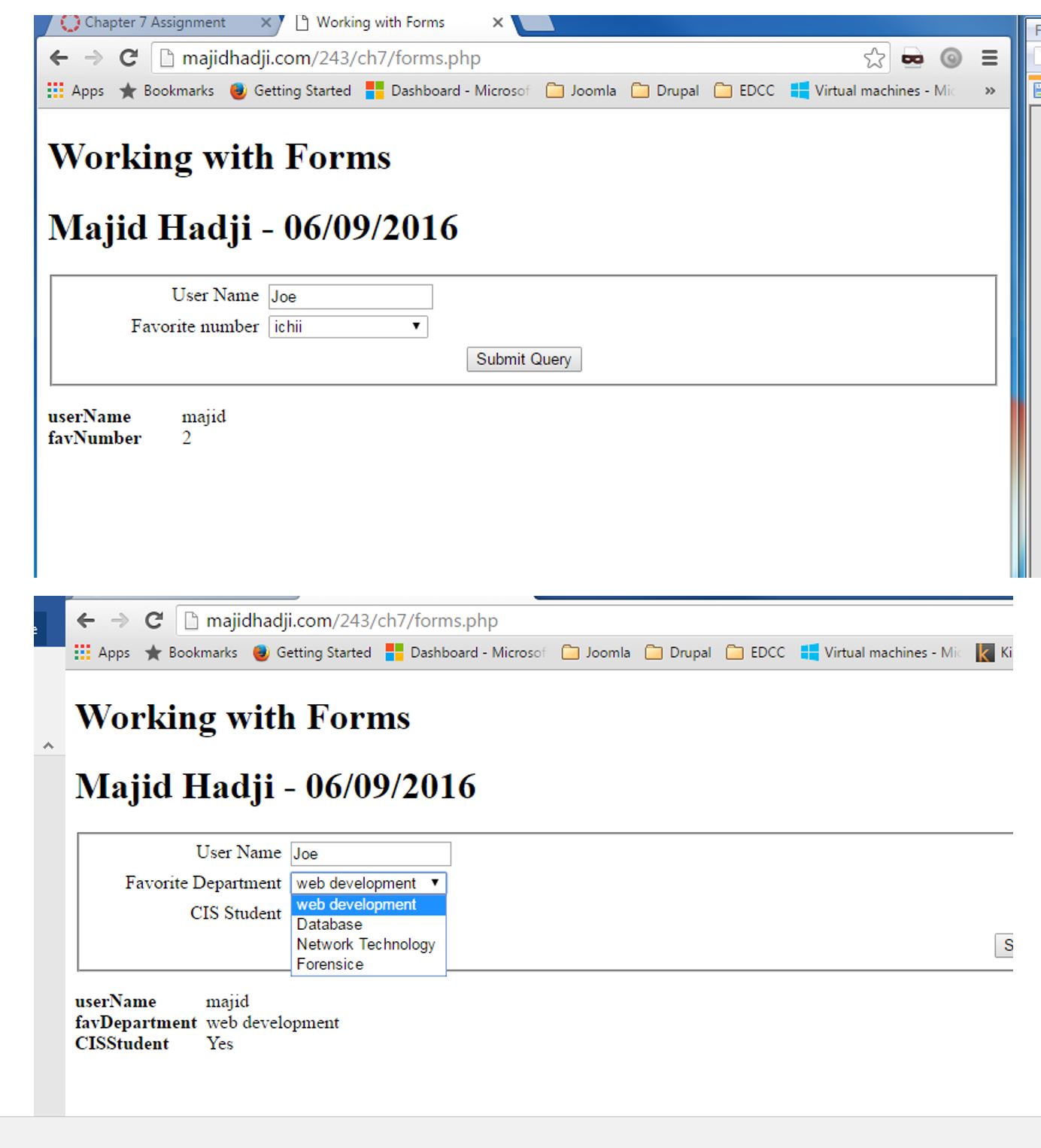
CIS 243
Web Development III: Introduction to PHP
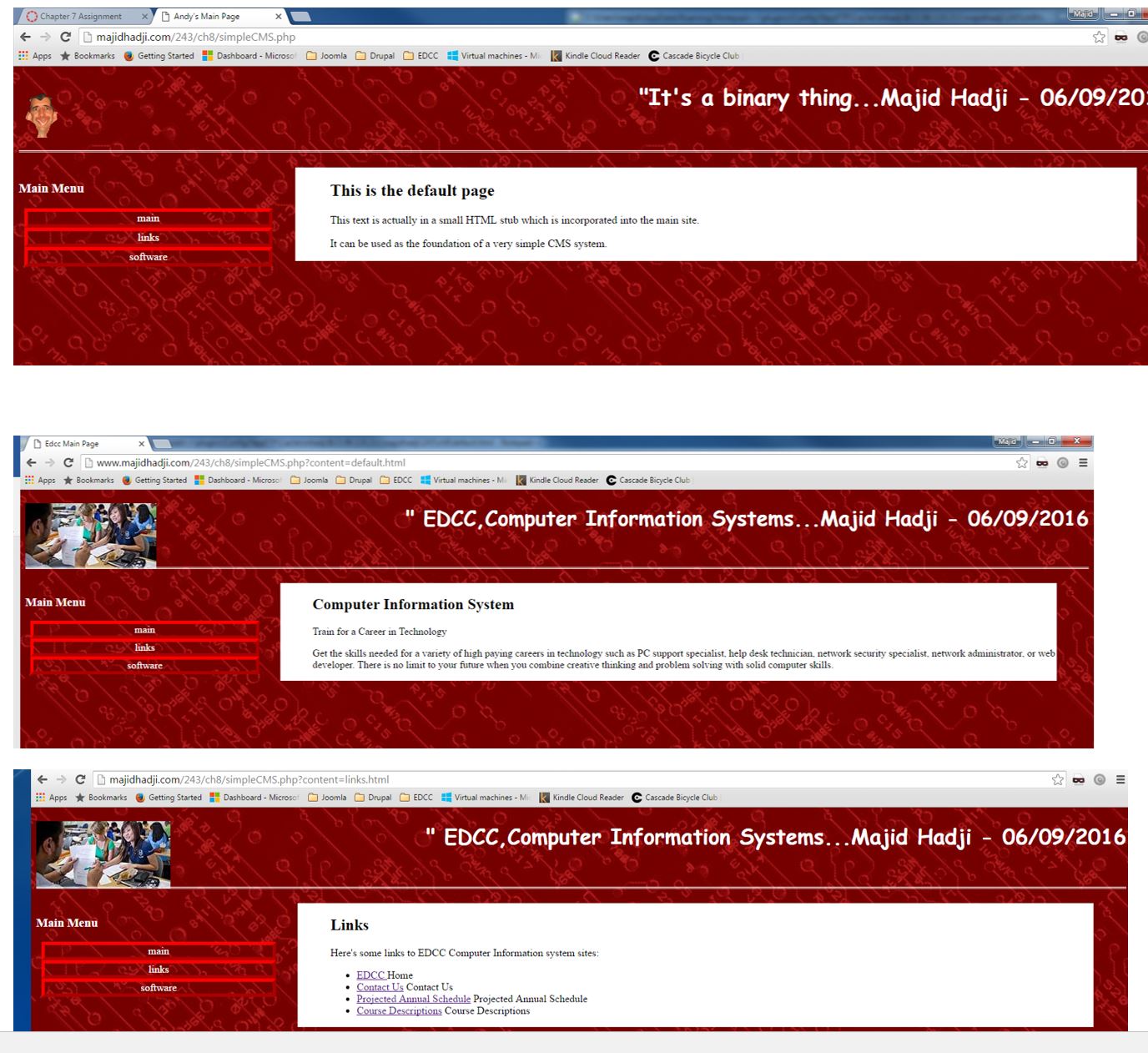
Topics include server-side scripting for Web pages using PHP. Students will learn fundamentals of PHP scripting including functions, logical structure, and database connectivity used in creating websites.
- Review Internet protocols and the use of Internet protocols on the World Wide Web.
- Identify and understand the differences between client-side and server-side scripting.
- Use the appropriate script, client-side or server-side, to complete an interactive website.
- Use the Document Object Model to interact with a Web page.
- Use properties, methods and event handlers associated with the Document Object.
- Create and use scripting variables and data types using appropriate naming conventions.
- Use arithmetic, comparison and logical operators in a scripting language.
- Create procedures and re-usable functions in a scripting language.
- Describe how server-side scripting is processed by a Web server and create pages which include server-side scripting.
- Use the request object to retrieve information supplied by a Web user to a form.
- Create an interactive website using a database.
CIS 244
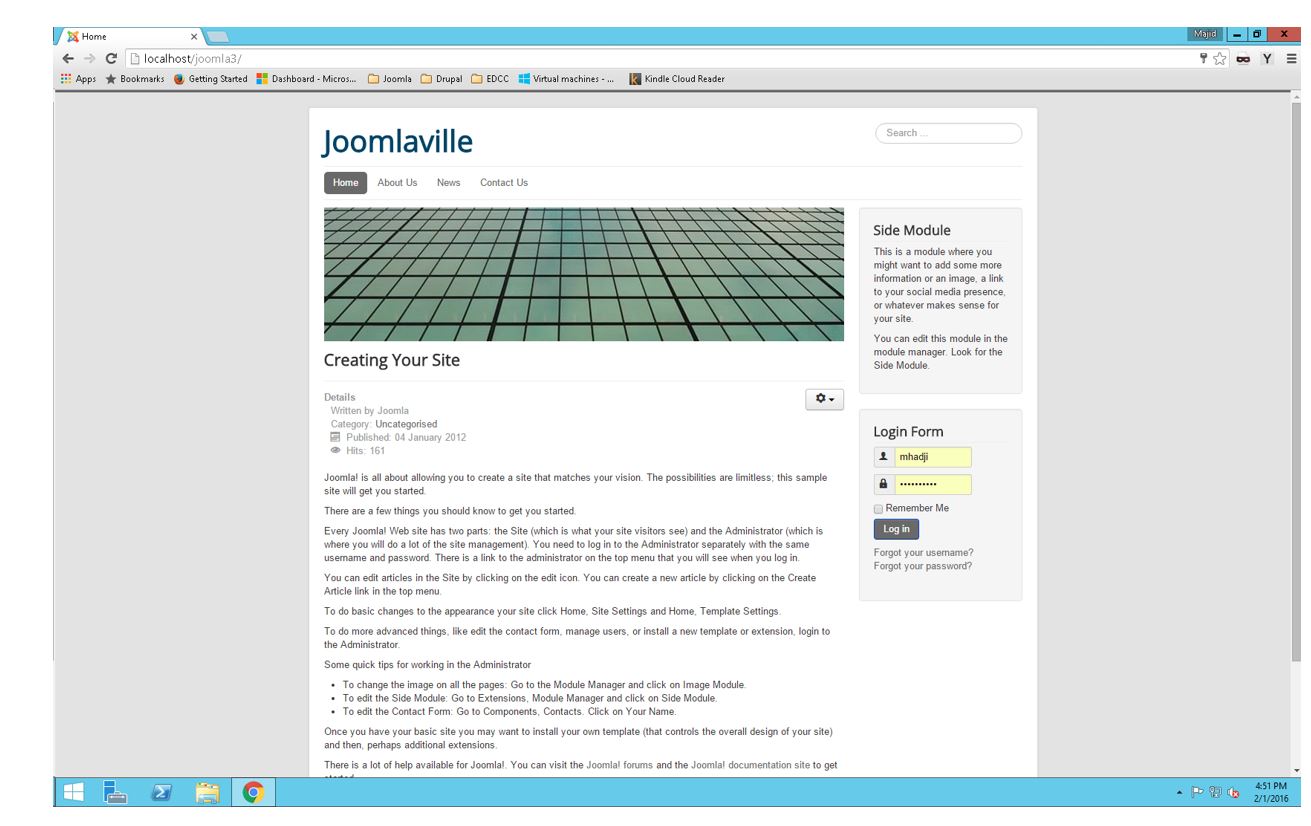
Web Development IV: Introduction to Joomla! and SEO
Students will learn to work with open-source content management systems (CMSs) and search engine optimization (SEO). Topics include Joomla!, installation of Joomla!, creating and updating content, and SEO concepts and techniques. Students will apply these topics while building multi-page websites.
- Determine the business model of a website such as business-to-business, business-to-consumer, large organization, small organization, brick-and-mortar vs. E-commerce, social networking, blog.
- Compare and contrast how different search engines work.
- Develop and implement an SEO plan.
- Create a baseline and keyword strategy for a website.
- Create an ongoing plan to establish good SEO practices.

CIS 245
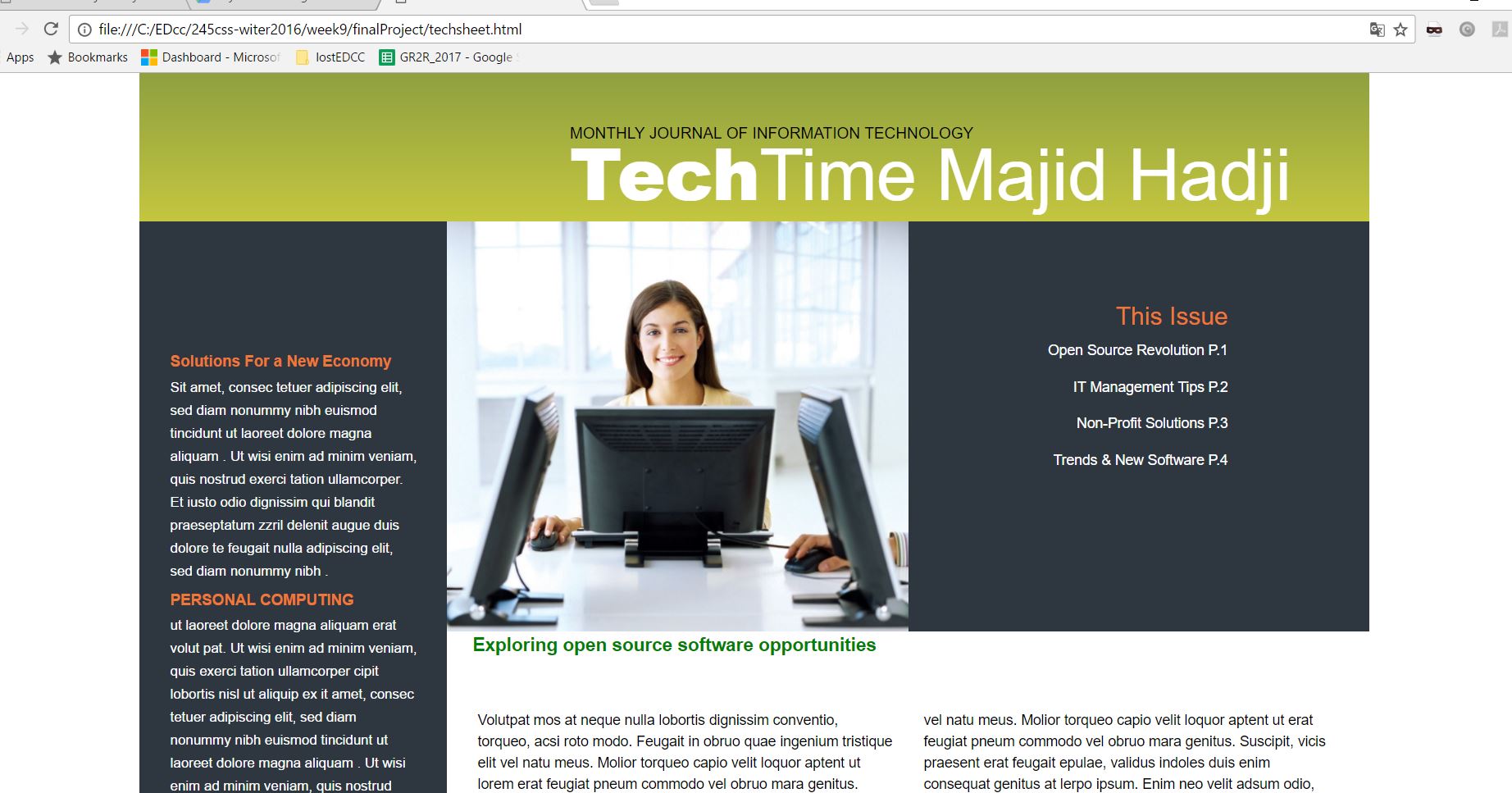
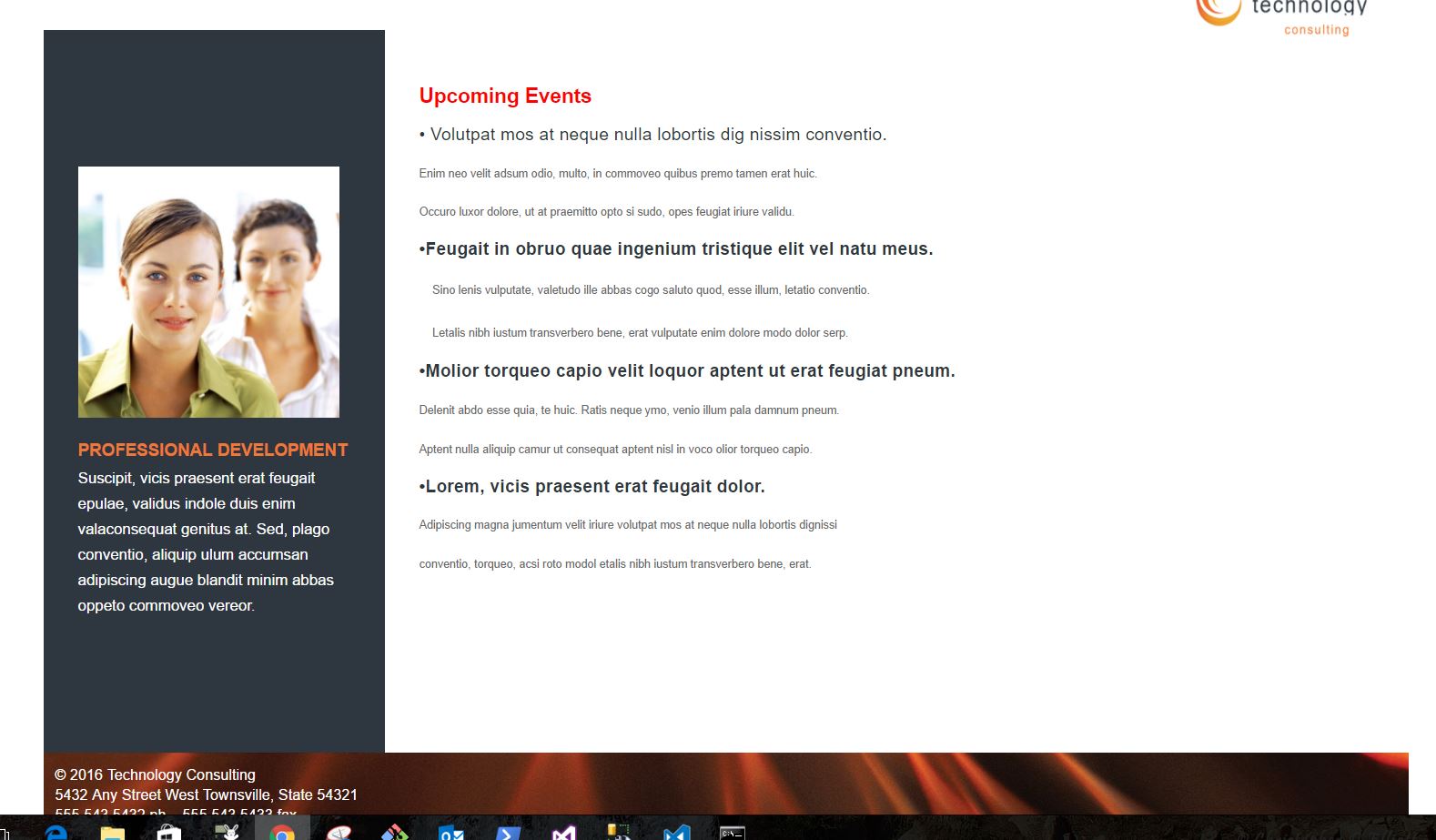
Web Development V: Introduction to Cascading Style Sheets
Students will learn the details required to combine CSS (Cascading Style Sheets) with HTML, XHTML, or XML to create rich, powerful websites. Topics include: selectors, cascade and inheritance, text and font manipulation, layout, and positioning.
- Make clear decisions about the advantages-disadvantages of using CSS over other Web technologies.
- Create basic, intermediate websites using CSS for page layout.
- Use CSS incorporated within HTML/XHTML.
- Create and use CSS selectors to affect the elements of a Web page.
- Apply advanced techniques of CSS within Web pages and sites.
- Communicate assumptions and choices made in the techniques used to create websites.
- Engage in conversations about the different development tools and technologies used to create websites.
- Communicate the advantages and disadvantages of web page layout using CSS.
- Demonstrate the ability to create Web pages or sites, which acknowledges the differences in access capabilities across cultures.
- Demonstrate the ability to work collaboratively within groups.
- Apply the appropriate tools and technology to facilitate sustainable websites.
CIS 246
Web Development VI JavaScript Frameworks and Cloud Computing
Students will investigate and use the advanced techniques available in JavaScript frameworks (libraries) such as JQuery, AJAX, MooTools, and Prototype.
- Make clear decisions about the advantages-disadvantages of using advanced scripting techniques over other Web technologies.
- Create intermediate websites using JQuery, AJAX, MooTools, and other JavaScript framework libraries.
- Read, modify, and create XML documents through AJAX libraries.
- Create advanced user interface using MooTools, JQuery, and Prototype.
- Incorporate advanced scripting techniques into Web pages and websites.
- Make clear decisions and use the appropriate JavaScript framework technology as needed within a Web page or site.
- Create clear and useful documentation of technologies to create a Web page or site.
- Communicate assumptions and choices made in the techniques used to create websites.
- Engage in conversations about the different development tools and technologies used to create websites.
- Communicate the advantages and disadvantages of each of the different JavaScript framework technologies.
- Demonstrate the ability to work collaboratively within groups.
- Apply the appropriate tools and technology to facilitate sustainable websites.

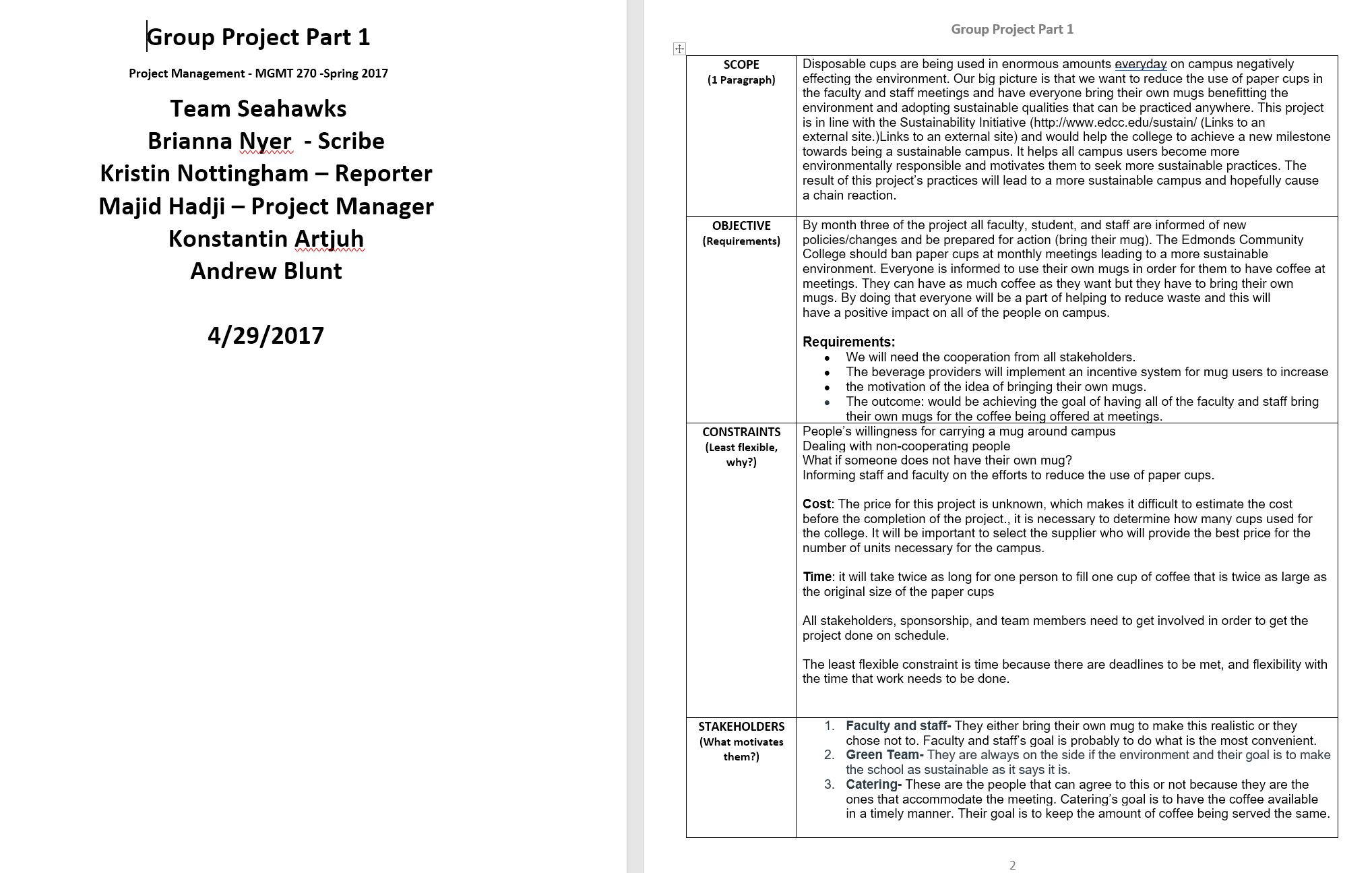
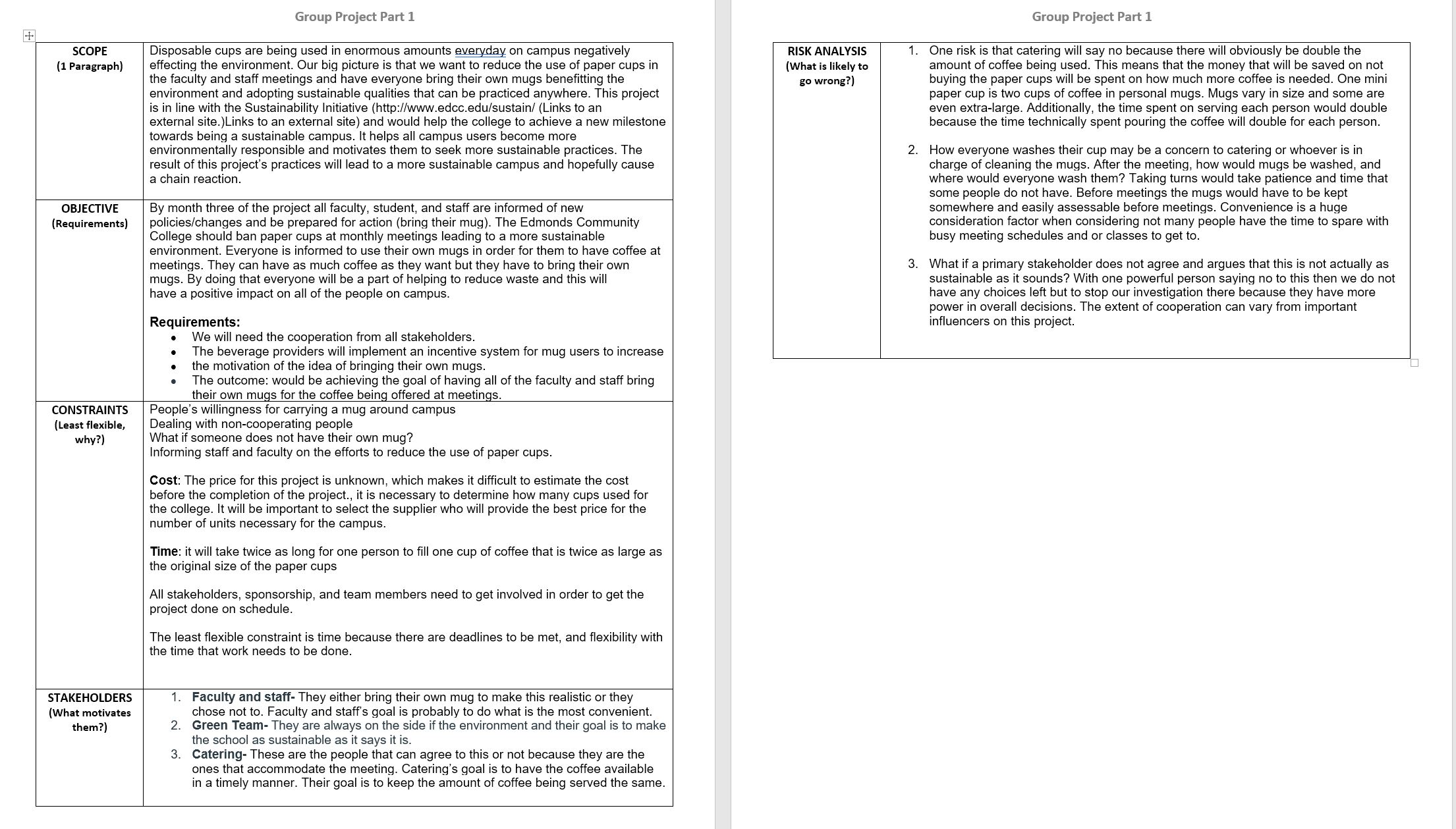
MGMT 270
Project Management I: Project Scope and Requirements
Learn the basics of working in a project team. Students create plans that identify project scope, constraints, stakeholders, and risks, then explore customer needs and requirements. Includes an introduction to scheduling. Team and communication skills strongly emphasized.
- Describe the role of project management in a variety of contemporary organizational structures.
- Identify skills and attributes required to be a successful project manager.
- Initiate a project using concepts learned throughout the course.
- Create planning documents: write a scope statement, identify project constraints, determine customer requirements, and evaluate stakeholders.
- Demonstrate use of project management tools including charter, work breakdown structure, and action plan.
- Demonstrate ability to lead a project team and be a productive project team member.